
Key takeaways
-
Drafting Partner: Use AI as a personal assistant to quickly draft lesson plans, rubrics, and supportive instructional materials.
-
Professional Oversight: You are the expert! Always review and adjust AI content to ensure it fits your students' unique needs.
-
Data Privacy: Stay responsible by protecting student privacy and following your district’s specific AI policies and guidelines.
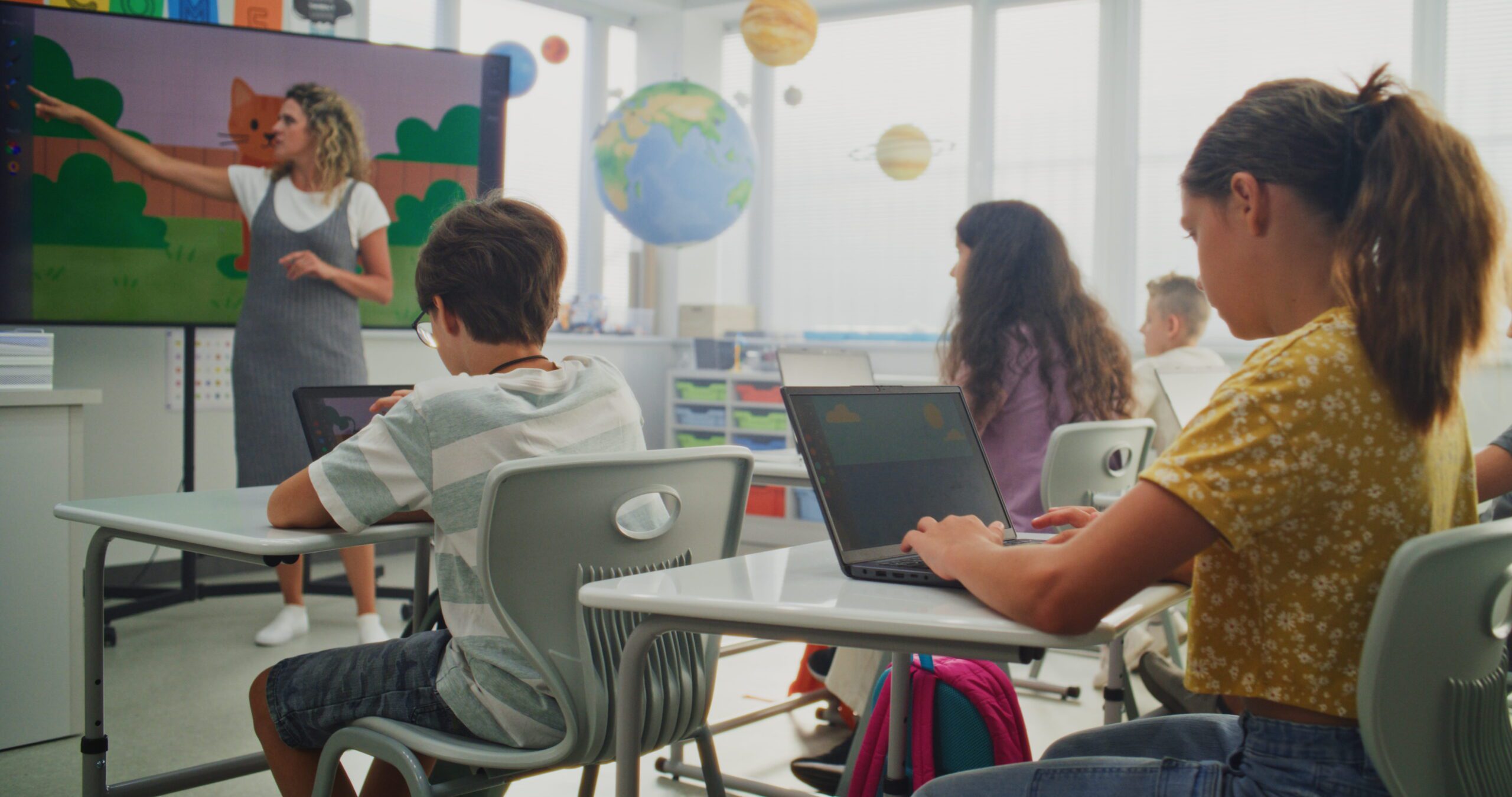
When using AI in the classroom, it comes down to clear, detailed prompting to get what you want, so you can refine, improve, and customize the materials you request. Below are 10 AI in the classroom examples, with guidance to responsible use that any educator should consider when using AI in the classroom.
10 Ways to Use AI in the Classroom
1. Class Management & Building the Foundation
How it helps:
AI can help you think through systems you may want to implement in your classroom. It can use context from your prompts and chats to suggest routines and expectations based on your descriptions of your students’ needs. Used well, AI can feel like a personal assistant, but keep in mind that it does not remember everything perfectly, so it helps to restate important details as you go.
How to do it:
Stay organized. If you are using ChatGPT, consider creating one dedicated project or workspace for a class, such as “3rd Grade 2026–27,� so you can keep your planning in one place. Start by sharing broad classroom context, such as grade level, class size, language needs, and learning supports, without including private student information. That context can help AI generate routines, supports, and lesson ideas that are more relevant to your classroom.
Responsible Use Guide:
When using AI in the classroom, be mindful of what works best for your students, but don’t share specific personal student data. Keep in mind that AI tools may retain or process the information you enter, so it’s important to follow your district’s policies before using them in the classroom. Also, remember AI is not a tool to use in isolation. You know your students best, and not every AI-generated idea will work given your students’ needs or strategies you have already tried. Reflection and adjustment are key to strong teaching.
2. Substitute Plans
How it helps:
AI can help you create plans for substitutes quickly by organizing schedules, writing clear directions, and suggesting lessons. It helps save time because you don’t need to start from scratch.
How to do it:
Start by sharing your daily schedule, either by typing it out or using voice input. Include routines, expectations, materials, and any other classroom details that would help create a useful draft. Once the plan is generated, review it for accuracy and make adjustments. This can give you a solid starting foundation for your plans. Be sure to handle any student health, medical, or support needs according to school or district policies, and avoid entering private student information into AI tools unless approved.
Responsible Use Guide:
It’s important not to share personally identifiable information. You can avoid this by using students’ initials, and when you print the plans, you can handwrite names or keep a cheat sheet with names and initials in your substitute folder. Another important step is to review for accuracy. Make sure the directions are clear and realistic for a substitute.
3. Parent Communication
How it helps:
Using AI in the classroom can go beyond correcting or generating a newsletter. It can help teachers, administrators, and grade-level teams find the right words when communicating with parents, generate creative ideas to support family engagement, and help explain learning standards to families.
How to do it:
When considering prompts for communicating with families, be specific about the purpose and tone. For example, you might ask AI to create a short, family-friendly survey to gather input on classroom communication or student support.
If you are using Canva, you can use its AI features to translate newsletters into different languages, helping you reach all families. You can also use tools like Copilot or ChatGPT to draft messages, refine tone, or organize your ideas before sending.
When generating emails to a parent, you can start by outlining key points, then use AI to make the message clearer and more approachable.
Responsible Use Guide:
Always take time to review and adjust the message so it reflects your voice and includes any specific details your families need. Make sure all communication protects student privacy and accurately represents your classroom.
4. Grading
How it helps:
Some examples of using AI in the classroom for grading include creating rubrics, exemplars, and structured feedback. It can also save time by clarifying learning expectations for students.
How to do it:
Be specific when prompting. For example, instead of saying “create a rubric,� try:
“Create a 4-point rubric for a 5th-grade opinion writing piece aligned to the Common Core Standards (insert the standards you are covering). Be sure to use clear, student-friendly language.�
You can also paste in a student task or standard and ask AI to generate a rubric or sample response. From there,carefully review the outputs and adjust the language to match what is already in use in your classroom.
Responsible Use Guide:
Remember to review carefully to make sure the standard or objective is broken down in a reasonable way. AI is a support tool, and you may need to make multiple adjustments to your prompts to achieve exactly what you are looking for.
5. Teaching Goals and Feedback
How it helps:
AI can support your professional growth by helping you create, organize, and refine your professional development plan. It saves time and helps you align your goals with your school or district expectations.
How to do it:
You can use AI to help develop your professional development plans. For example, if your school requires SMART goals, you can start by sharing a general goal and asking AI to rewrite it into a clear, measurable SMART goal.
You can also ask AI to help you break that goal into manageable steps. For example:
“Create four check-in points throughout the year to monitor progress on this goal.�
If you’re working with a grade-level team or have shared goals, you can include that in your prompt and ask AI to help differentiate your plan based on your specific role or students.
Other ideas for using AI for professional development include:Â
Search for relevant PD opportunities
Generate ideas for support I might need
Break my growth into smaller, actionable steps across the year
AI gives you a strong starting point, and then you can adjust it to fit your actual work and expectations.
Responsible Use Guide:
Your professional growth plan should reflect your real practice. Always review and revise so it aligns with your school goals and your students’ needs.
Explore K-12 Educational Leadership Resources
See how °Ç¸çºÚÁÏ can support educational leaders.
6. Creating & Locating Instructional Materials
How it helps:
AI saves time and helps you quickly generate materials and find resources. It makes it easier to support multiple levels in a single lesson or target specific skills.
How to do it:
Start with your standard or objective. Then ask for variations of a particular task you are trying to differentiate.
For example, “Create three versions of this math task: below grade level, on level, and above grade level.�
When using AI in the classroom, you can create quick exit tickets, anchor chart ideas, or small group tasks. You can paste a lesson into AI chat and ask it to simplify directions for ELL students or add vocabulary supports. From there, you may need to adjust the wording to match how you teach and what your students are used to.
Responsible Use Guide:
Remember that you are the expert. Review and revise as needed to ensure the generated materials align with your standards and expectations.
7. Lesson Planning – Individual & Whole Group
How it helps:
Using AI in the classroom helps organize your thinking and gives you a strong starting point, especially when you are short on time.
How to do it:
You can ask AI to generate a lesson outline based on a standard or topic. For example:
“Create a 45-minute math lesson on fractions for a mixed 4th/5th-grade class with small group rotations.�
You can share your schedule and ask AI to help structure timing or suggest small-group rotations based on the number of students or their skill levels. If you’re stuck, you may want to ask for multiple activity ideas and choose the one that fits your students best. You can also ask it to generate an intervention that relates to the lesson.
Responsible Use Guide:
Avoid copying and pasting lessons directly. Treat AI-generated lessons as drafts to ensure they align with your curriculum, pacing, and student needs.
8. Data and Documentation
How it helps:
AI helps organize information and quickly summarize patterns. This can support intervention planning and team meetings by helping you see trends you might not notice right away.
How to do it:
Instead of entering detailed student data, summarize trends such as:
“Several students are struggling with multi-step word problems and showing gaps in multiplication fluency.�
Then ask:
“What intervention strategies would you suggest?�
You can also use AI to draft meeting notes to organize your thinking before a data conversation. When working with others, you can record ideas and ask AI to help summarize, group themes, or suggest next steps based on what was discussed.
Responsible Use Guide:
Double-check for accuracy before proceeding. Do not enter student names or private data. Even anonymized data can be identifying if the group is small. Follow district policies to ensure student and staff data are protected.
9. Emails
How it helps:
Emails take time. Documentation takes time. AI helps you get started faster while staying clear and professional.
How to do it:
Ask AI to draft a message and be specific about tone. For example:
“Write a friendly but professional email to a parent explaining their child needs extra support in reading.�
Always revise before sending and add specific details such as context, meeting times, calendar invites, or links.
Responsible Use Guide:
Always review before sending and make sure the message reflects your voice while protecting student and family information.
10. Collaboration
How it helps:
AI can support team conversations, offer neutral ideas, and help turn lessons into multiple classroom projects. It can help teams organize thinking and support systems such as MTSS, behavior, and planning.
How to do it:
Start with a clear team goal. For example:
“We need ideas for improving small group instruction during the math block.�
Then use AI to generate options or questions to guide the discussion. You can also use AI to analyze a lesson and suggest ways it could be adapted across classrooms or to meet different student needs.
Responsible Use Guide:
AI does not replace collaboration. The team makes the decisions. Use your professional judgment together and keep student needs at the center.
Overall, AI is an increasingly used tool in education. When used intentionally and responsibly, it can support teachers and improve efficiency. I hope these classroom examples are helpful as you continue to build your use of AI.
At the same time, it is important to stay grounded in research-based practices. Educational resources provide high-quality, engaging lessons for K–12 teachers.